
Material Guidelines
Follow these instructions carefully to ensure the highest quality for your virtual glasses try-on assets.
Photo Requirements
Each frame requires three high-quality photos from specific perspectives:
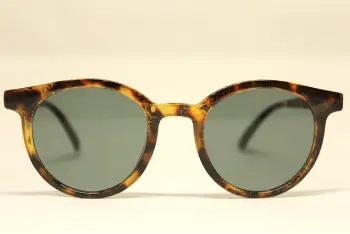
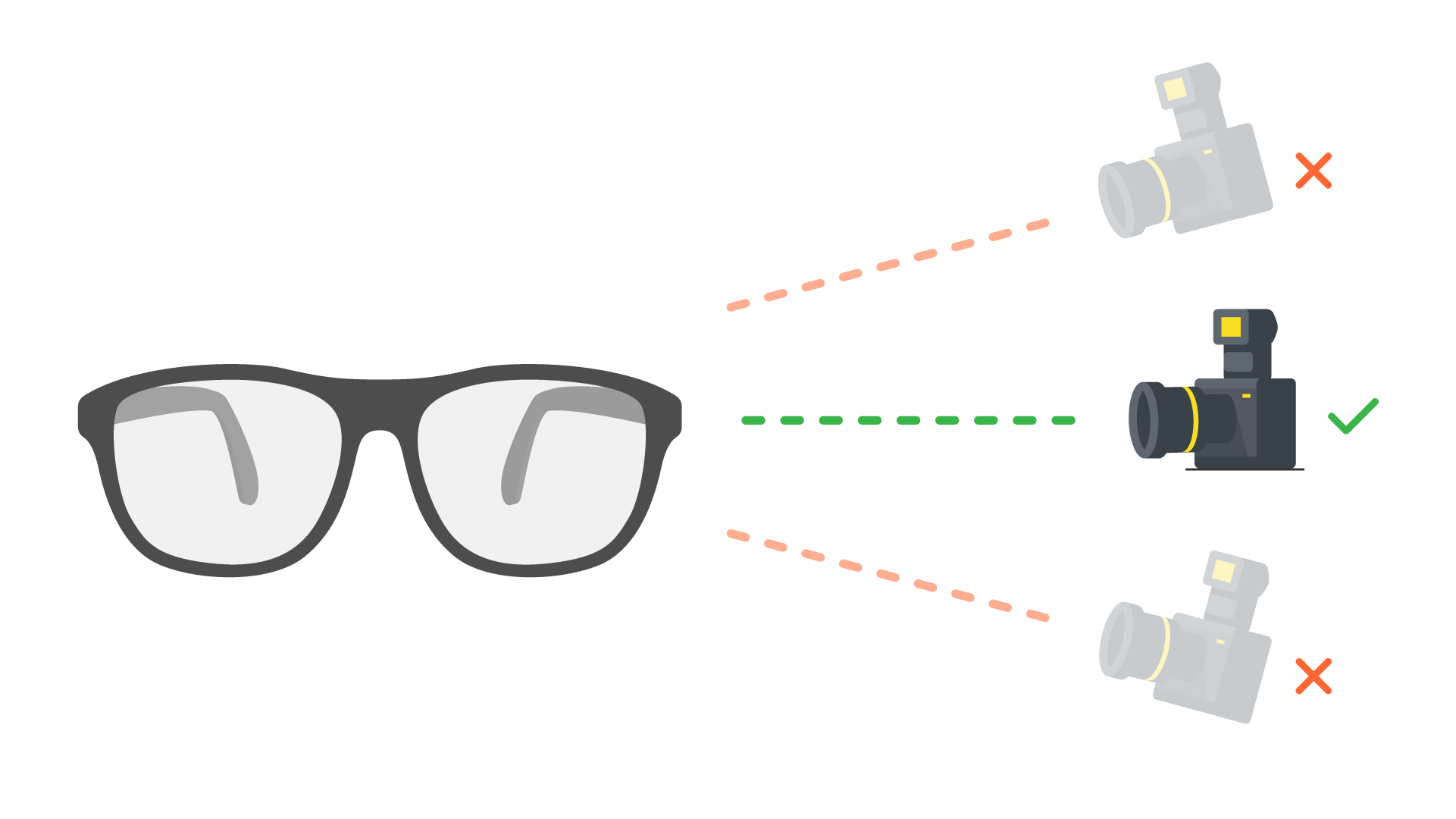
Front Side View
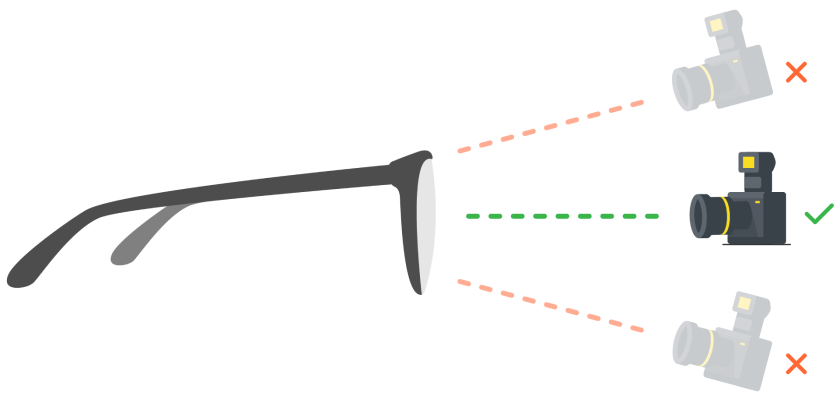
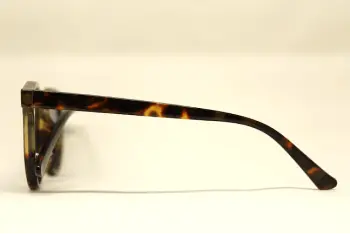
Left Side View
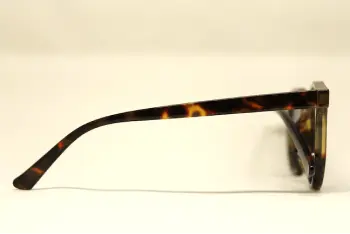
Right Side View
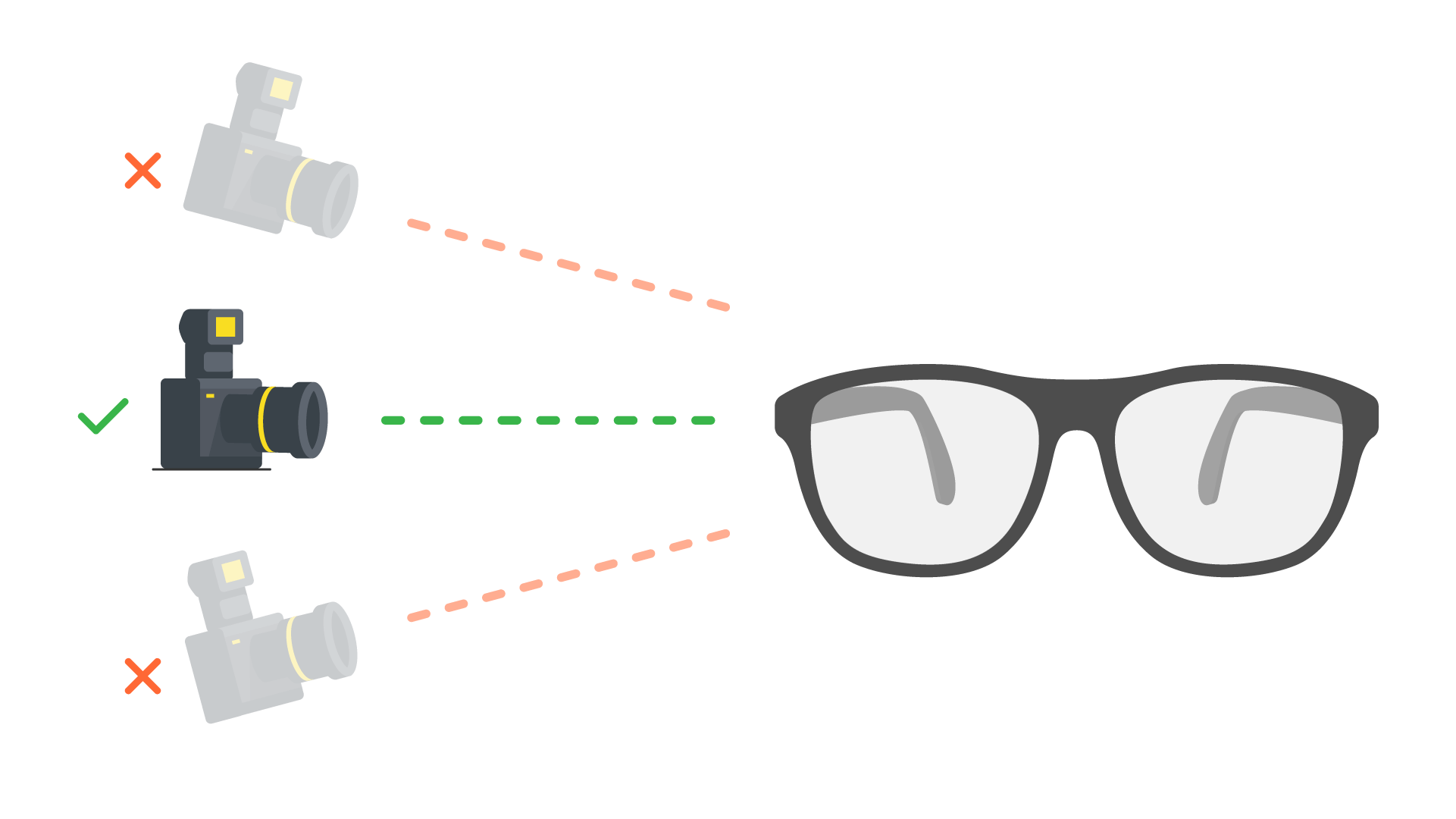
Shooting Standards
-
Camera view must be perfectly aligned with the glasses
-
Plain white background is required (Transparent PNG preferred)
Equipment & Lighting
-
Lighting source should be white, clear, and shadow-controlled
-
High-resolution DSLR or professional mobile equipment preferred
Asset Submission
Naming & Preparation
Rename your images precisely
- •
frame.png— Front side view - •
left_temple.png— Left side view - •
right_temple.png— Right side view
Compress all 3 files
into a single .zip archive
Upload the .zip file via your administrator portal
Technical Constraints
-
File Format: Must be .png type
-
Resolution: Min 2400 × 1800 px
-
File Size: Maximum 10MB per .zip
-
Contents: Must contain at least the frame.png
Following these technical specs ensures flawless automated 3D reconstruction.